

Create a project
First, create a baseline project by training the example model at least once. This baseline gives the sweep something to configure against in later steps. Download the PyTorch MNIST dataset example model from the W&B examples GitHub repository. Next, train the model. The training script is within theexamples/pytorch/pytorch-cnn-fashion directory.
To download and train the example model:
-
Clone the repository:
-
Open the example directory:
-
Run the training script manually:
- Optional: Explore the example in the W&B App dashboard. View an example project page.
Create a sweep
With a baseline project in place, you can configure a sweep over its runs. From your project page, open the Sweep tab in the project sidebar and select Create Sweep.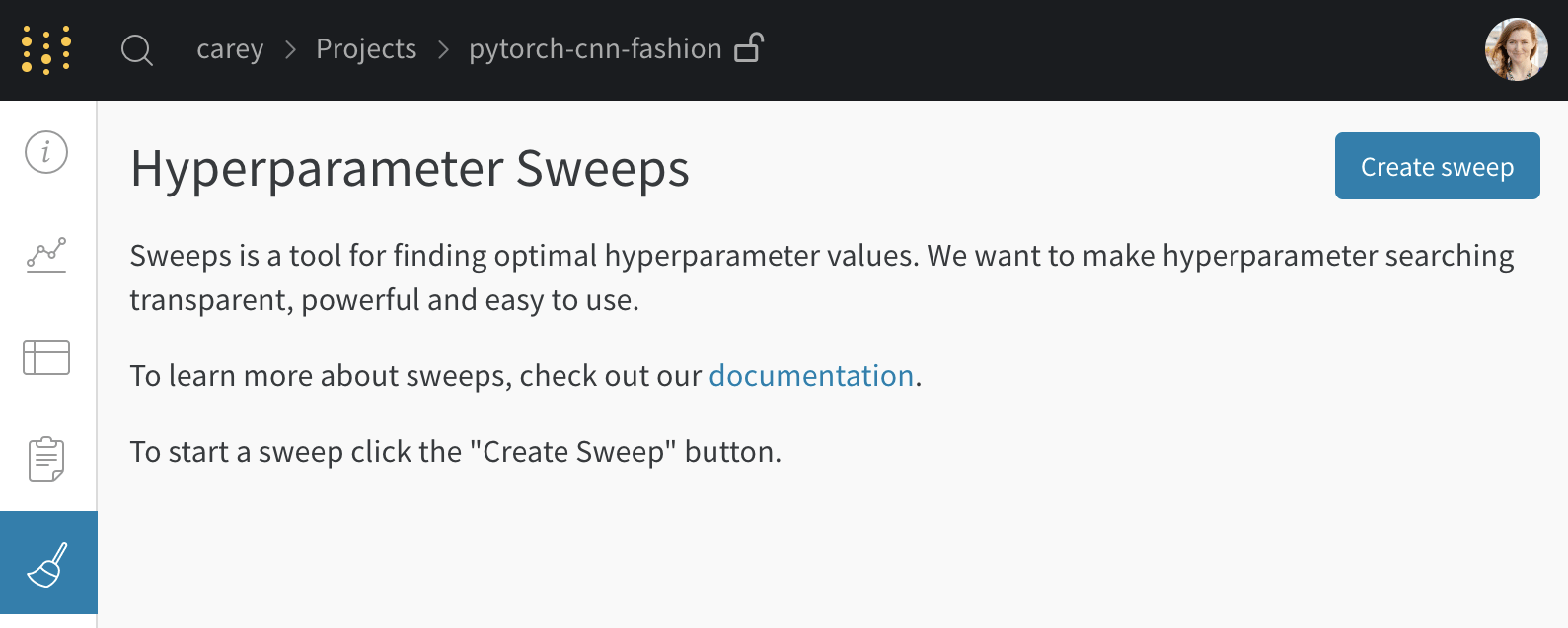
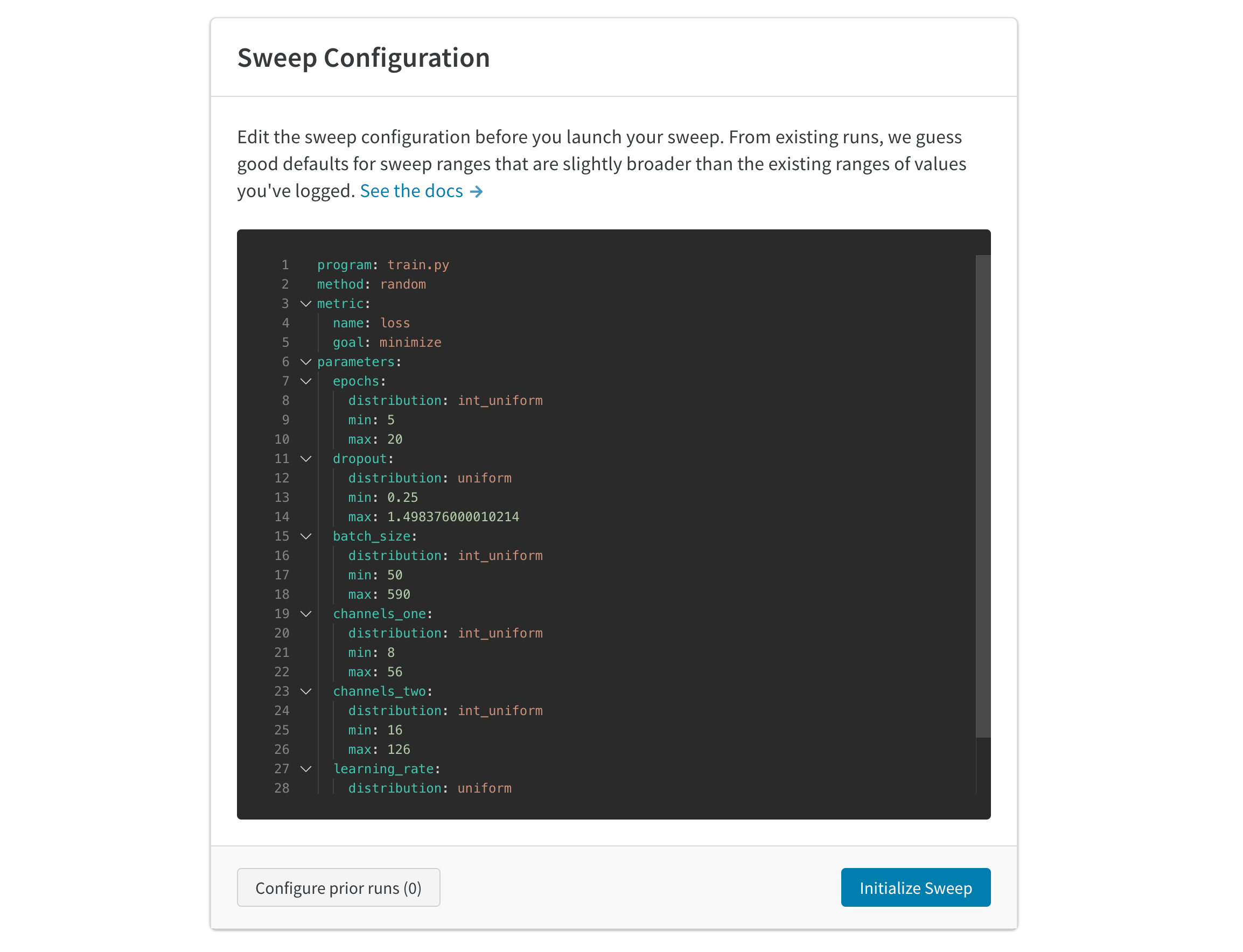
Launch agents
After you configure the sweep, launch one or more agents to execute the runs. Launch up to 20 agents in parallel across different machines to finish the sweep job more quickly. Each agent prints the next set of parameters to use.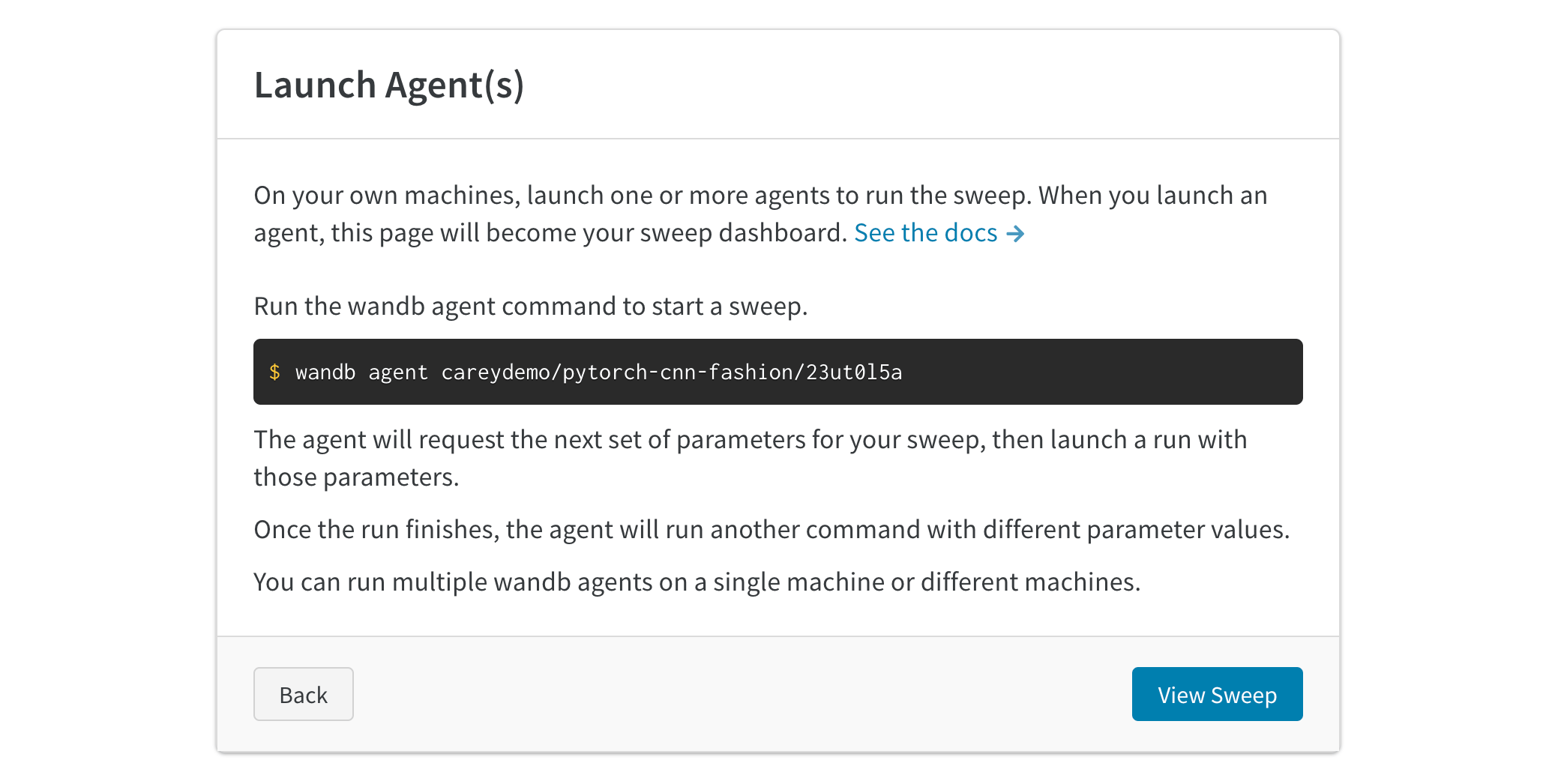
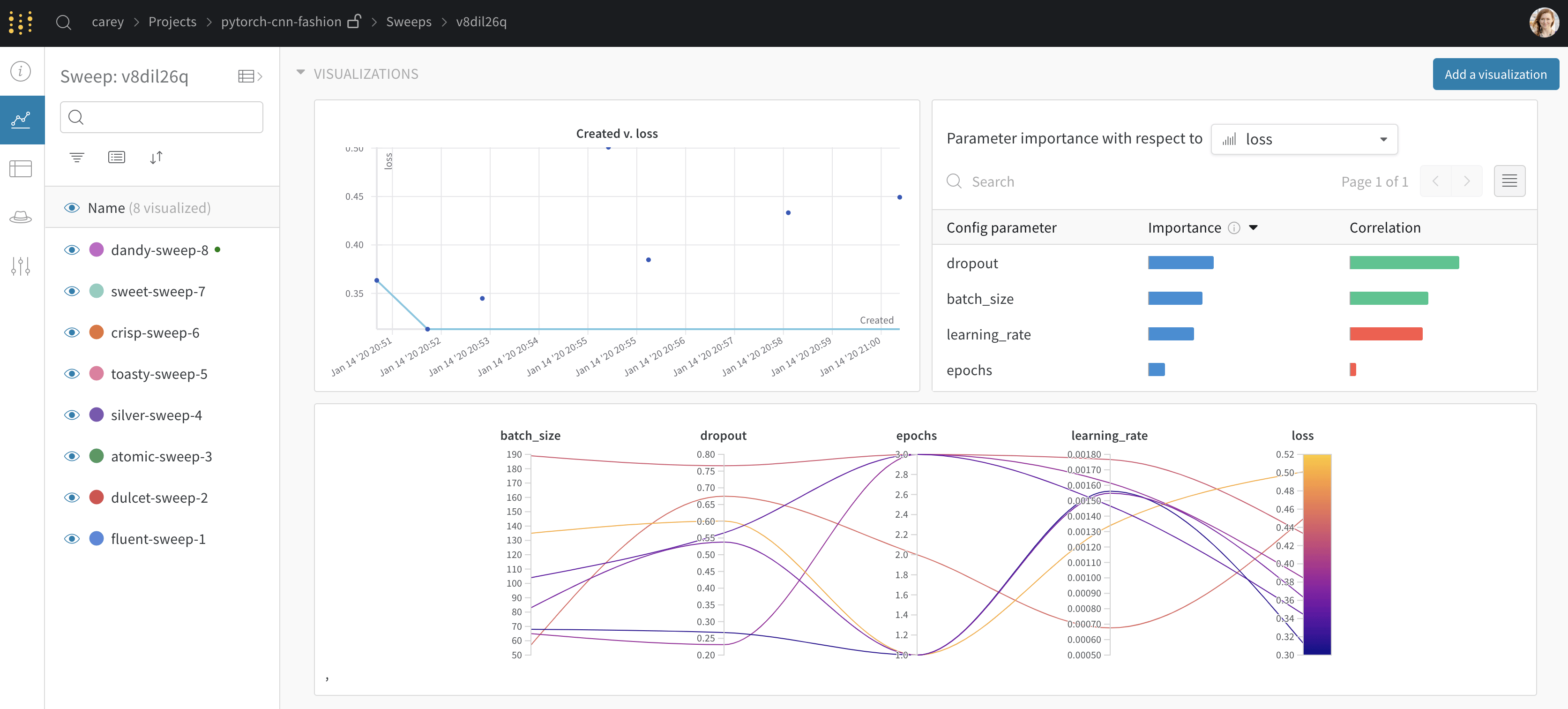
Seed a new sweep with existing runs
To reuse earlier results as a starting point, launch a new sweep using existing runs that you’ve previously logged:- Open your project table.
- Click a run row’s checkbox to select the run.
- Select the dropdown to create a new sweep.
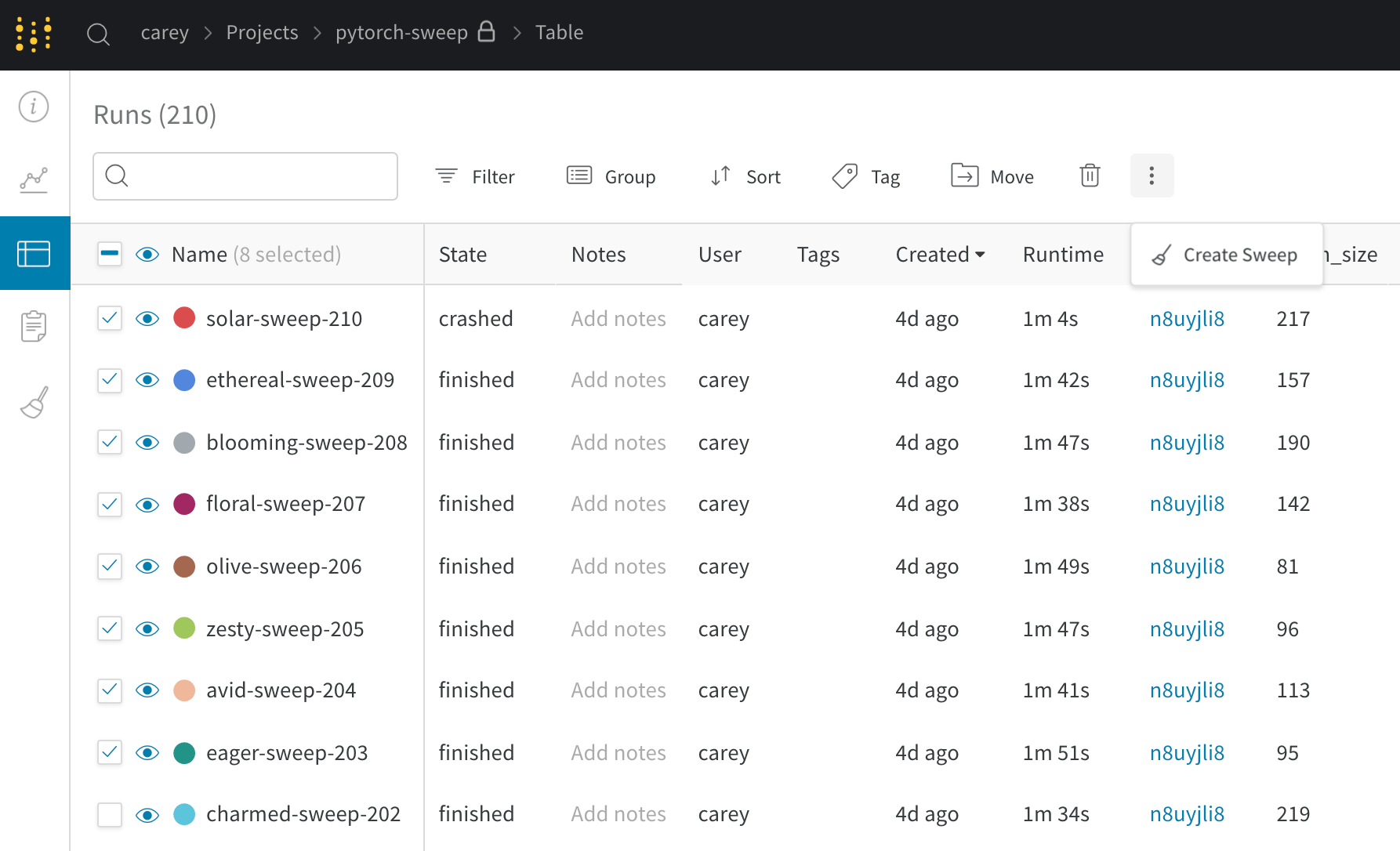
If you start the new sweep as a Bayesian sweep, the selected runs also seed the Gaussian process.