> ## Documentation Index
> Fetch the complete documentation index at: https://wb-21fd5541-docs-2751.mintlify.site/llms.txt
> Use this file to discover all available pages before exploring further.
> Prodigy와 W&B를 통합해 annotation 워크플로를 추적하고, 트레이닝 메트릭을 log하며, 레이블이 지정된 데이터셋을 관리합니다.
# Prodigy
[Prodigy](https://prodi.gy/)는 머신 러닝 모델용 트레이닝 및 Evaluation 데이터 생성, 오류 분석, 데이터 점검 및 정제를 위한 annotation 도구입니다. [W\&B Tables](/ko/models/tables/tables-walkthrough/)를 사용하면 W\&B 내에서 데이터셋(그 외 다양한 항목도)을 log하고, 시각화하고, 분석하고, 공유할 수 있습니다.
이 가이드에서는 [W\&B 인테그레이션 with Prodigy](https://github.com/wandb/wandb/blob/master/wandb/integration/prodigy/prodigy.py)를 사용해 Prodigy에서 annotation된 데이터셋을 W\&B에 직접 업로드하여 대화형 Table로 탐색하고 공유하는 방법을 보여드립니다. annotation 품질을 점검하거나, 레이블이 지정된 데이터셋의 아티팩트 버전을 비교하거나, 협업자와 결과를 공유하려는 경우에 사용하세요.
다음과 같이 몇 줄의 코드만 있으면 됩니다:
```python theme={null}
import wandb
from wandb.integration.prodigy import upload_dataset
with wandb.init(project="prodigy"):
upload_dataset("news_headlines_ner")
```
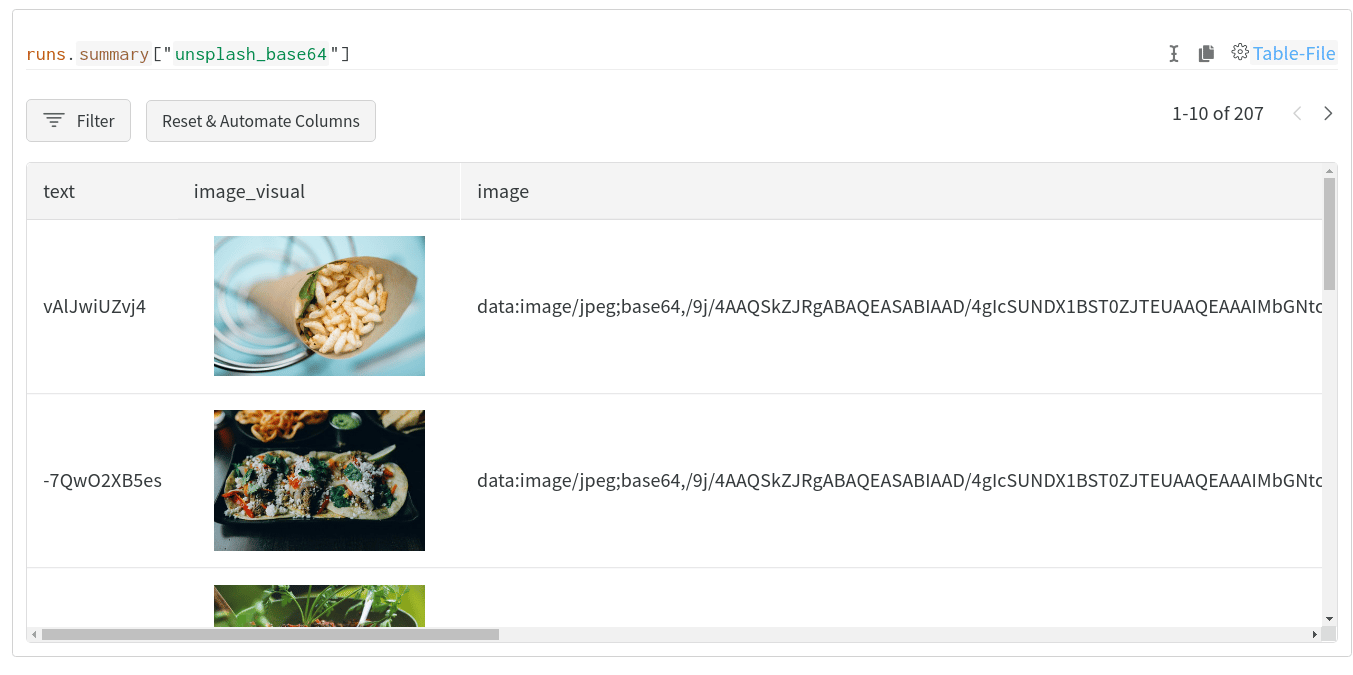
다음과 같은 시각적이고 대화형이며 공유 가능한 테이블을 만들 수 있습니다:
## 퀵스타트
`wandb.integration.prodigy.upload_dataset`를 사용하면 로컬 Prodigy 데이터베이스의 주석 처리된 Prodigy 데이터셋을 W\&B의 [Table](/ko/models/ref/python/data-types/table) 형식으로 직접 업로드할 수 있습니다. 설치 및 설정을 포함한 Prodigy 관련 자세한 내용은 [Prodigy documentation](https://prodi.gy/docs/)을 참고하세요.
데이터셋을 업로드하면 W\&B는 이미지와 개체명 필드를 각각 [`wandb.Image`](/ko/models/ref/python/data-types/image) 및 [`wandb.Html`](/ko/models/ref/python/data-types/html)로 자동 변환하므로 Table에서 대화형 시각화로 표시됩니다. 이러한 시각화를 포함하기 위해 W\&B가 결과 Table에 추가 열을 추가할 수 있습니다.
## 자세한 예시 살펴보기
인테그레이션으로 무엇을 할 수 있는지 알아보려면, W\&B Prodigy 인테그레이션으로 생성된 시각화 예시는 [W\&B Tables를 사용하여 Prodigy 데이터셋 시각화하기](https://wandb.ai/kshen/prodigy/reports/Visualizing-Prodigy-Datasets-Using-W-B-Tables--Vmlldzo5NDE2MTc) report에서 확인할 수 있습니다.